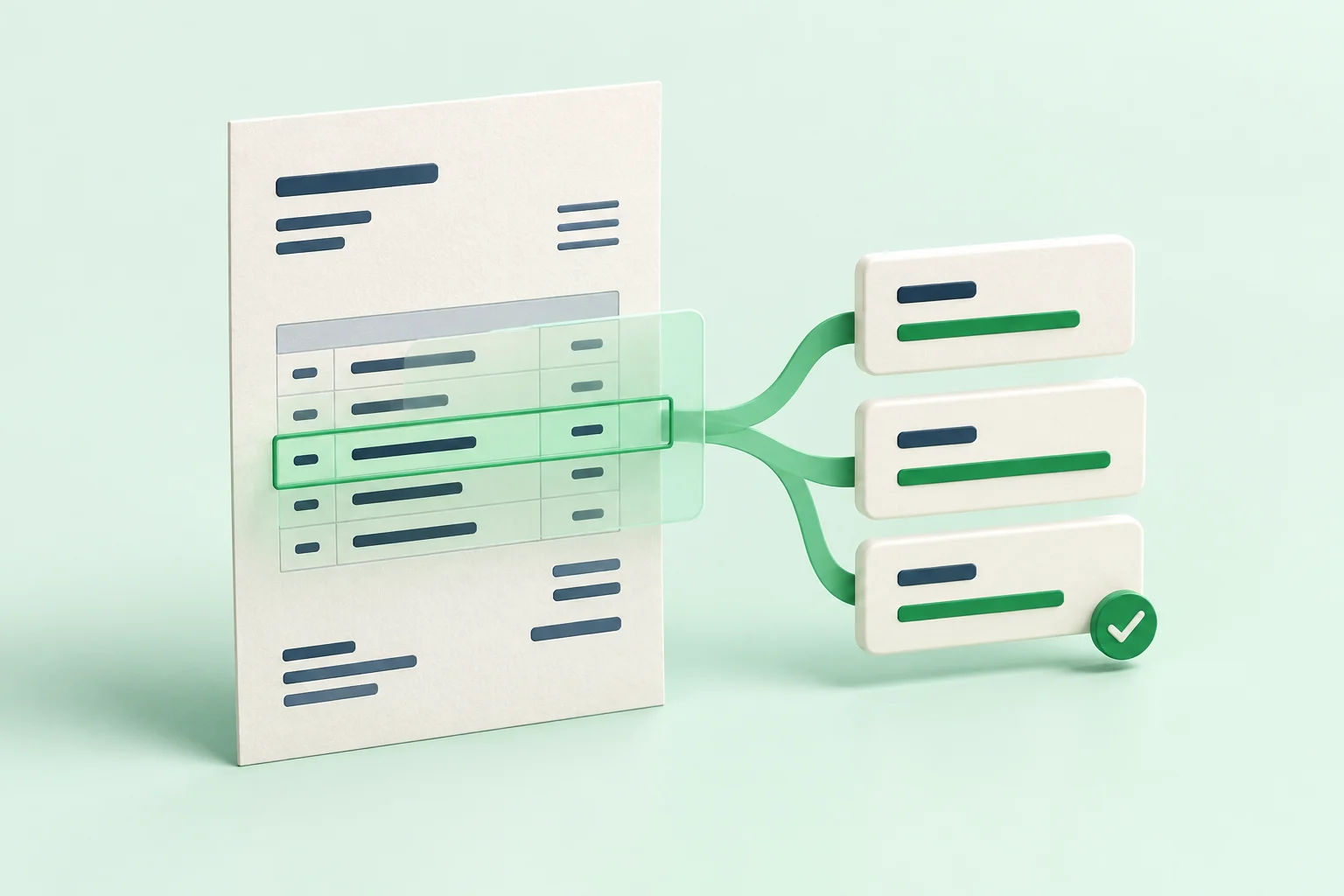

Make the whole receipt visible
Place the receipt on a flat surface with a contrasting background. Include its edges, supplier heading, date, and final total. A tidy crop is useful only if it does not remove information that a reviewer needs.
Avoid photographing several overlapping receipts as a single document. Give each item enough space to be read and matched with the intended record.
If a person cannot clearly read the original photo, take a clearer one before continuing.
Check light, focus, and orientation
Use even light and avoid a strong shadow from your phone. Hold the camera steady and look at the saved image, not only the camera preview. Zoom into the smallest important text and check that it is readable.
Rotate the image so the text is the right way up. When glare hides a number or a crease covers a date, retake the photo. Do not edit the contents of the receipt to make an unclear value look certain.
Send it with useful context
Confirm the intended business or client and preserve the original image. A clear file attached to the wrong workspace will still need investigation.
Before uploading, check: the whole receipt is visible, the key text is in focus, there is no covering glare, the image is upright, and the destination is correct. That small habit makes the next review step easier to follow.
This is a sample editorial guide.