Approved supplier invoices can become Bills. Paid receipts can become Expenses or Purchases. The source PDF or image can be attached to the transaction, with record and attachment status tracked separately.
Can I review everything before it is sent?
Yes. Check the original beside the prepared details, confirm your accounting choices and the intended company, and approve before sending. Prepared data is not an approved entry.
Will it use my existing suppliers and accounts?
ScannerPilot can bring in QuickBooks vendor and account references for your review, along with supported tax and payment-account references. Confirm the correct choices before approving.
Can I connect a separate company for each client?
Yes. Each client workspace has its own QuickBooks Online company connection. Keep the workspace and intended company aligned when reviewing and sending documents.
What if the entry exists but the original is missing?
Check the attachment status separately. When the transaction already exists, retry the file attachment rather than creating another Bill or Expense. Contact support if the outcome is unclear.
Does this pay invoices or replace QuickBooks?
No. This is a document-to-books workflow for QuickBooks Online. Paying suppliers, reconciling bank transactions, and other accounting decisions remain separate. The examples here are simulations and do not connect to an account.
SAME QUICKBOOKS. A BETTER STARTING POINT.
Your next invoice. Without the blank form.
See how your documents could reach your books—with your review in the middle.
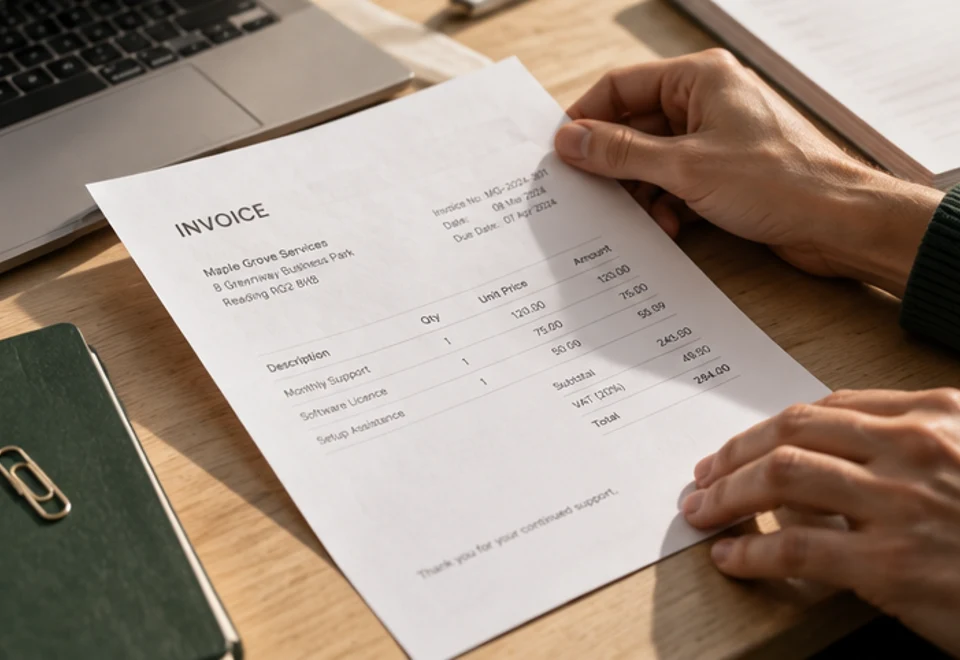 THE DOCUMENT YOU ALREADY HAVE